Google Business Profile: how to show up in local search in Baku
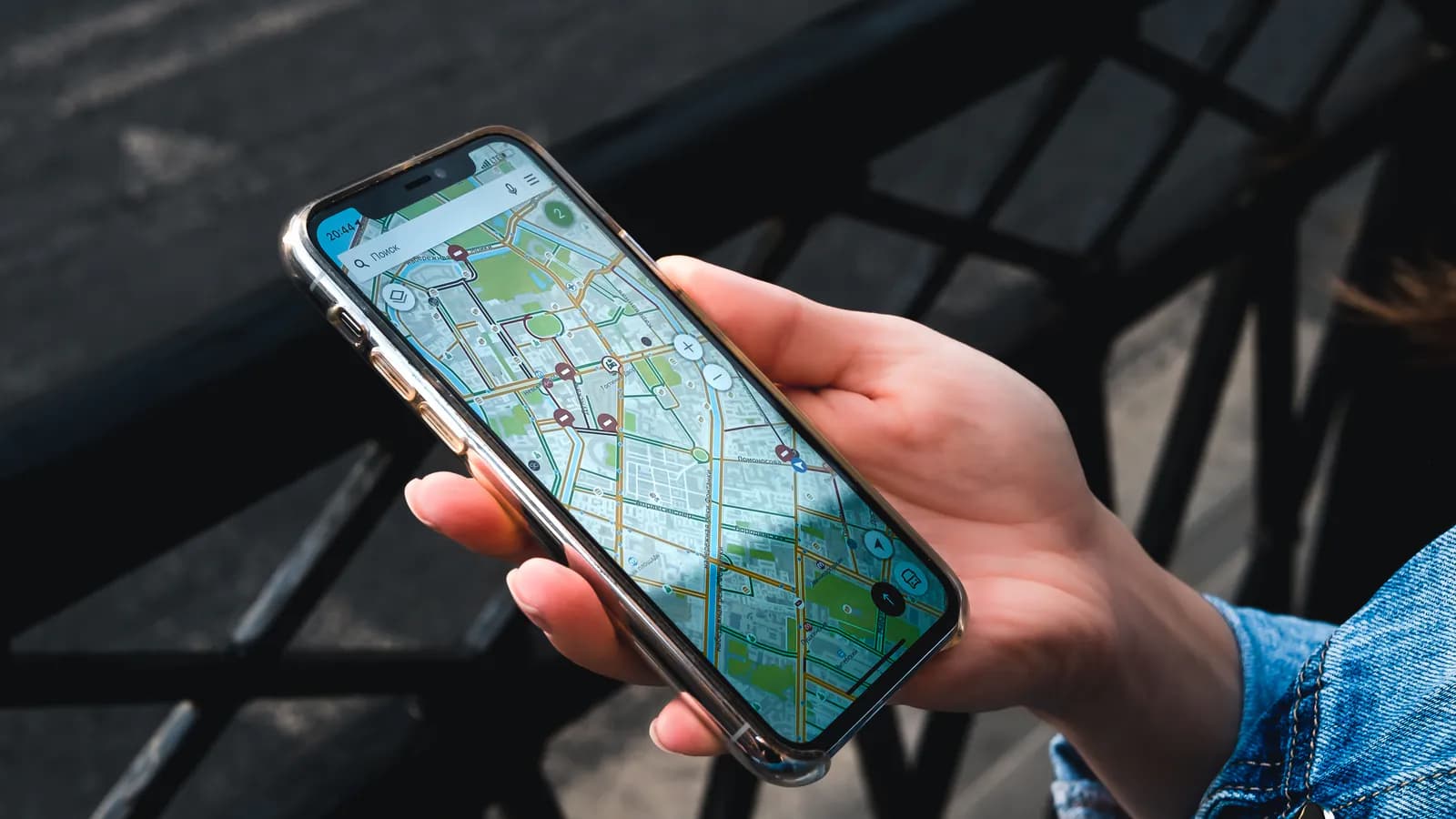
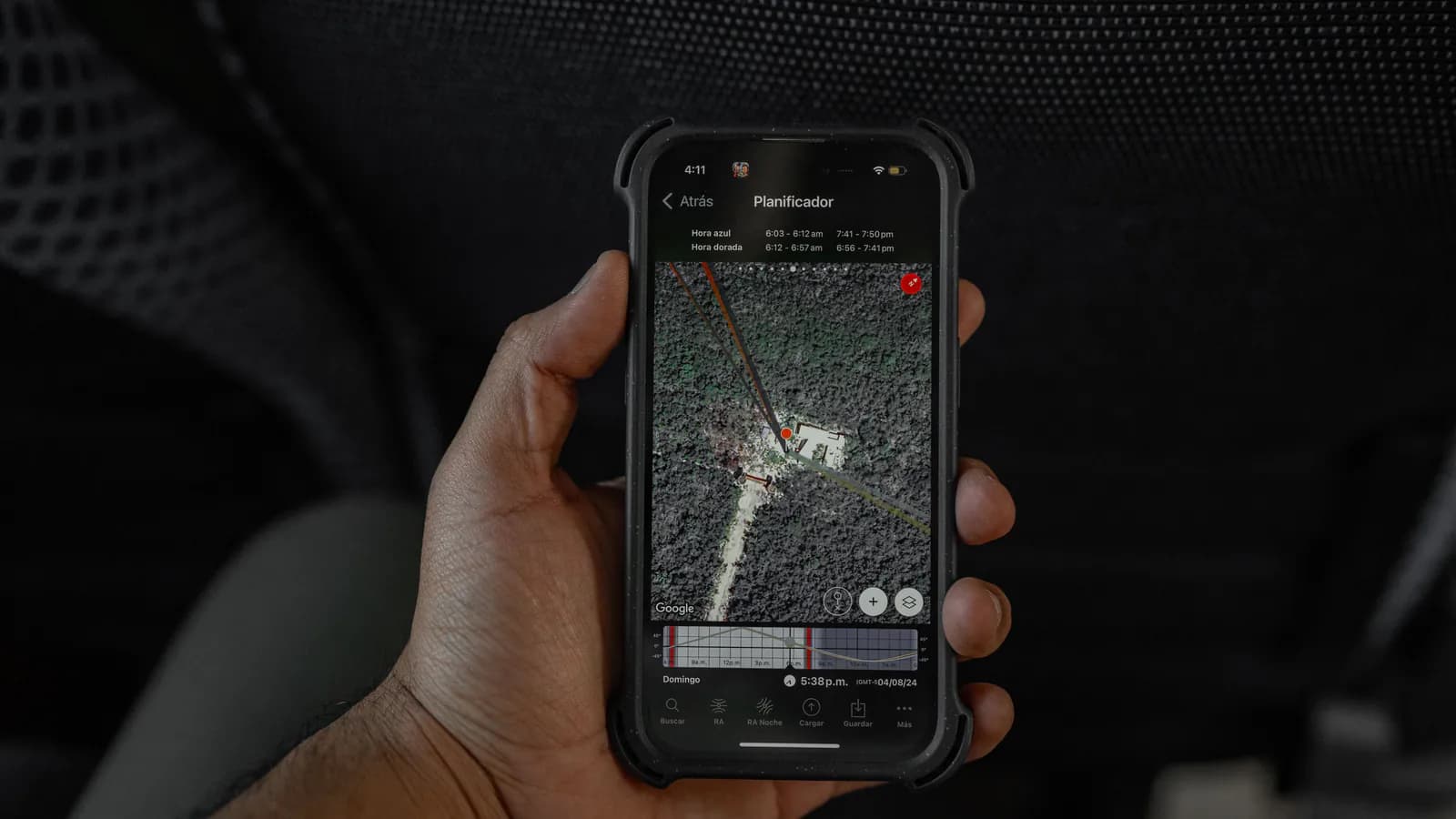
Someone is standing on a street in Baku, opens their phone and types "tyre repair near me". Google answers with a map and three or four business listings — a rating, a distance, a Call button. Very often the decision is made right there, before anyone opens a website at all. Whether you are one of those three or four comes down largely to how carefully your Google Business Profile has been put together.
What follows is what genuinely moves that profile, the settings businesses get wrong most often, and what deserves extra attention in a market like Baku, where local search is almost entirely a phone activity.
What the profile actually controls
Google Business Profile (formerly Google My Business) is the free listing that represents a business in Google Maps and in search results. The map block, the side panel, the opening hours, the photos, the reviews, the Call and Directions buttons — all of it is served from that one profile.
Its importance is a matter of timing: it is usually the customer's first contact with you. Before a website loads and before a phone rings, someone is already comparing your rating, your distance and whether you are open right now. A thin profile loses that comparison quietly. The visit never reaches your analytics and the call never happens, so you never find out what it cost you.
Completeness is a signal, not paperwork
Google favours complete profiles for a practical reason: more confirmed information means less risk of showing a user something irrelevant. The fields worth real time:
- Business name — exactly what the business is called, and nothing more. Adding a keyword or a city to it ("Baku Best Repair") breaks Google's guidelines and can get the listing suspended.
- Category — important enough that it gets its own section below.
- Address — with the map pin dropped on the actual door. If the entrance is off a side street or the office sits inside a business centre, spell that out in the additional fields.
The useful test is not a completeness percentage. It is whether a stranger could decide to come to you without ever leaving the listing.
Category: the setting most businesses get wrong
The primary category largely determines which searches you are eligible to appear in at all. It is not a label or a decoration — it is how Google works out what kind of business you are.
In practice:
- Choose the narrowest category that is still honest. If "Georgian restaurant" exists, do not settle for "Restaurant".
- Fill in secondary categories, but only for services you actually deliver. Irrelevant categories buy short-term reach at the cost of long-term trust.
- Look at the categories used by businesses that already show up well in your area. That is not copying; it is learning how Google classifies your niche.
Photos: people look before they read
On a small screen the image arrives first and the text second. Stock photography, or no photography at all, reads as one thing: it is not clear this place exists.
What to shoot:
- The entrance from the street, so someone walking past recognises it.
- The interior, the work in progress, the product or the service itself.
- The team, where it fits — faces earn trust faster than copy does.
- New photos on a regular basis. A listing carrying a single shot from years ago looks abandoned.
None of this requires a professional session. Decent light, a clean frame and an honest picture of what the customer will actually walk into is enough.
Reviews: collecting them, and answering them
Reviews are one of the few signals that shape the human decision and the ranking at the same time. What matters is not the counter, though — it is how you handle them.
Collecting:
- Ask satisfied customers directly. Most people who never leave a review simply forgot; a reminder is usually all it takes.
- Use the profile's direct review link — as a QR code at the counter, a line on the receipt, or a WhatsApp message once the job is finished.
- Never buy reviews and never have staff write them on customers' behalf. Google detects this, and the damage lands on the whole listing rather than on one review.
Answering:
- Reply to everything, positive reviews included. The reply is written for the next reader as much as for the author: it shows someone is there and paying attention.
- Answer negative reviews calmly and specifically — acknowledge the problem, say what you are changing, offer a way to put it right. Arguing in public never wins.
- Do not paste the same template under every review. Identical replies read like an autoresponder.
That makes the underlying rule a simple one: reviews are a habit, not a campaign. A listing where new reviews and fresh replies keep arriving outperforms one with a larger but long-frozen counter — both with the person reading it and in the ranking.
NAP consistency: one name, one address, one number
NAP — name, address, phone — is the principle that those three details should be written identically everywhere they appear: the profile, your website, your Facebook page, your Instagram bio, any directory that lists you.
Typical mismatches:
- "Rashid Behbudov Street 12" in one place and "R. Behbudov 12" in another.
- An old phone number left behind on one platform after a move.
- The business name spelled out in some places and abbreviated in others.
Google pulls business details from many sources and cross-checks them against each other. The more they disagree, the less confident the system is that these entries describe the same business — and that confidence feeds straight into local ranking. The fix is unglamorous but reliable: settle on one canonical spelling of the name, address and number format, bring every platform in line with it, and whenever something changes, update them as a list rather than as you remember them. Getting the name, address and number right on the site itself is part of technical SEO work.
Built for a phone in someone's hand
Local search here is overwhelmingly mobile — on the move, in a car, in the kind of moment where a decision takes seconds. That has direct consequences for how the profile is maintained.
- Keep opening hours current, because the real question behind the search is "is it open now?".
- Make sure the Call and Directions buttons work and point where they should; they are the most-tapped elements on the listing.
- Get the map pin exactly right. A customer who drives to the wrong address does not drive back.
- Keep photos and text legible on a small screen — short paragraphs, no wall of description.
Taken one at a time these look like details. Taken together they decide whether the business looks alive, to a person and to the algorithm alike.
How to set up Google Business Profile: where to start
Google Business Profile is free, but what you get out of it is proportional to the attention you give it. Complete information, the right category, real photographs, reviews that are actively managed, and one consistent NAP across every platform — together they meaningfully improve the odds of being one of the listings that appears on the map.
If you want the profile built properly, diagnosed when it is not showing, or folded into a wider SEO plan, that is work we do at PixelLabs. That work sits under local SEO and Google Business Profile.